
Integrated identity system and access control
A modern school needs identity that goes beyond attendance. UnhostCampus provides an API layer for ID cards that acts as a universal key to the institution’s digital and physical resources.
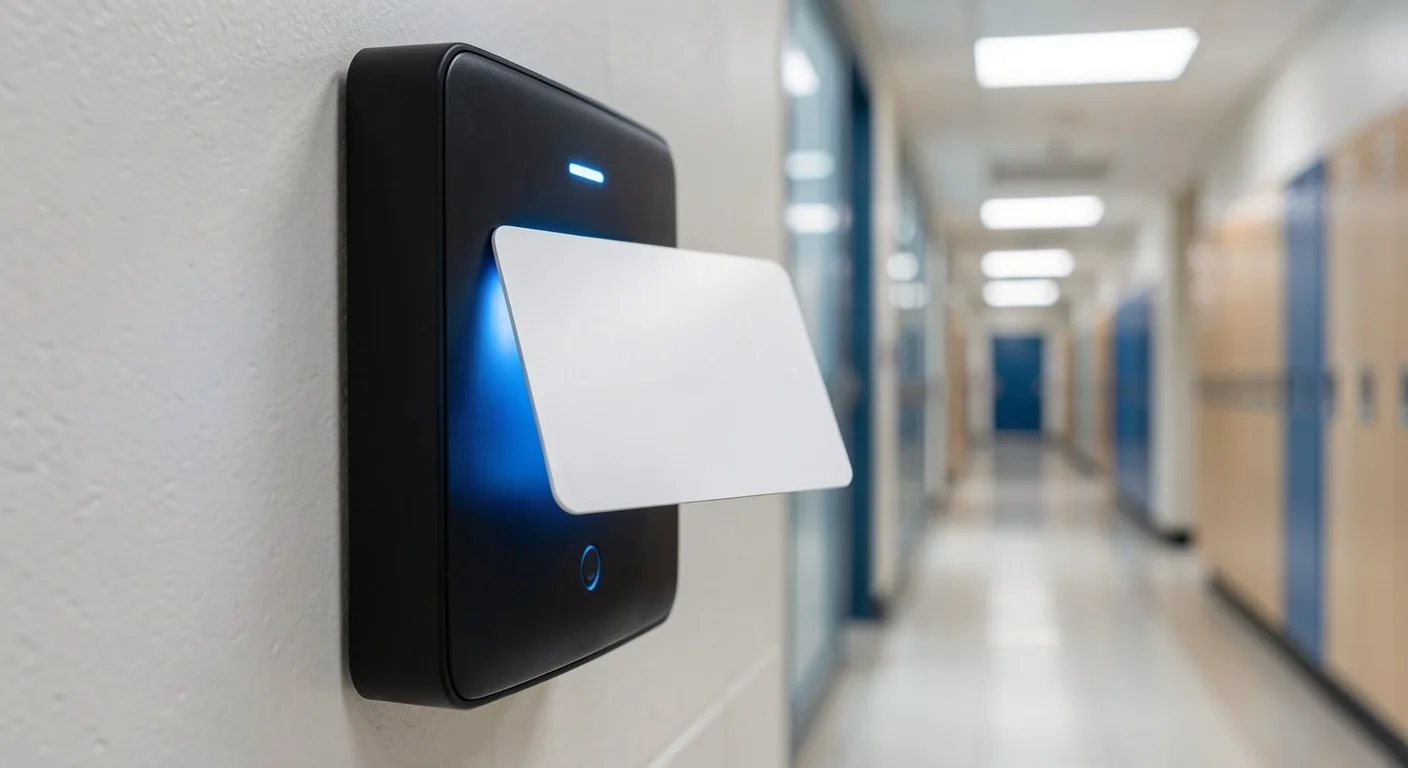
One identity across the campus stack
Every ID card registered in UnhostCampus is bound to a unique digital ID that follows the student through their studies. Every platform module recognises that ID — from meal issue to specialist classrooms or the library.
There is no need for several cards for several purposes, which is simpler for students and for administrators who keep one record per person. A status change — moving to a higher year or losing a badge — lands in every linked service at once, without a mass data update.

ISIC and ITIC card integration
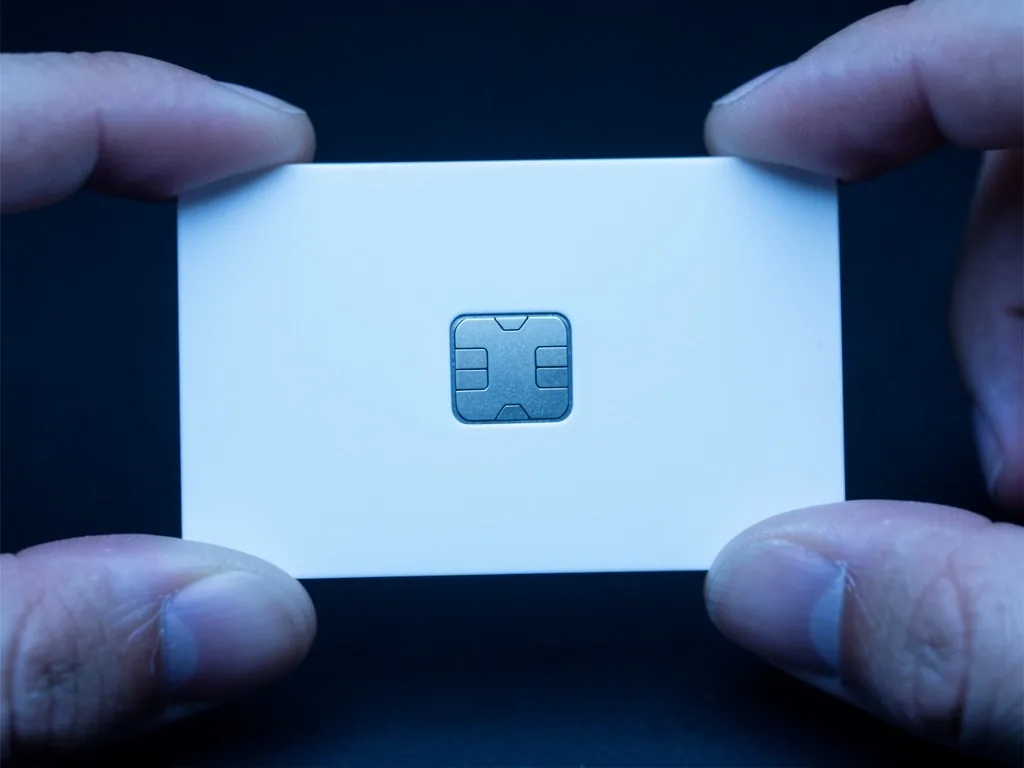
We fully support international ID-card standards that are common in education and valued for off-campus benefits. The school can use existing student cards as keys into its internal system without issuing duplicate chips.
Our API can verify card validity in real time and update user status from the pass validity. If a student’s ISIC expires, access is deactivated without a manual admin step — after the issuer renews the pass, rights restore themselves.
Building and classroom access control
Campus security is a priority, so the platform lets you configure access rights in detail for every card holder. The API can define time zones and the exact terminals a student or teacher may pass, which keeps unauthorised people out of sensitive rooms.
Every passage is logged, which matters in a crisis and for occupancy analysis. An administrator can generate a movement overview for a person or watch anonymised passage-frequency statistics across campus.
Time zones
Define the hours and days a terminal is active for a given user group — for example a specialist classroom open only in the morning.
Terminals and routes
Assign specific readers to groups and build approved movement paths through the building, from the main entrance to specialist spaces.
Passage log
Every passage is stored with a timestamp, card identity and terminal label — data for crisis management and occupancy analysis.
Digital attendance
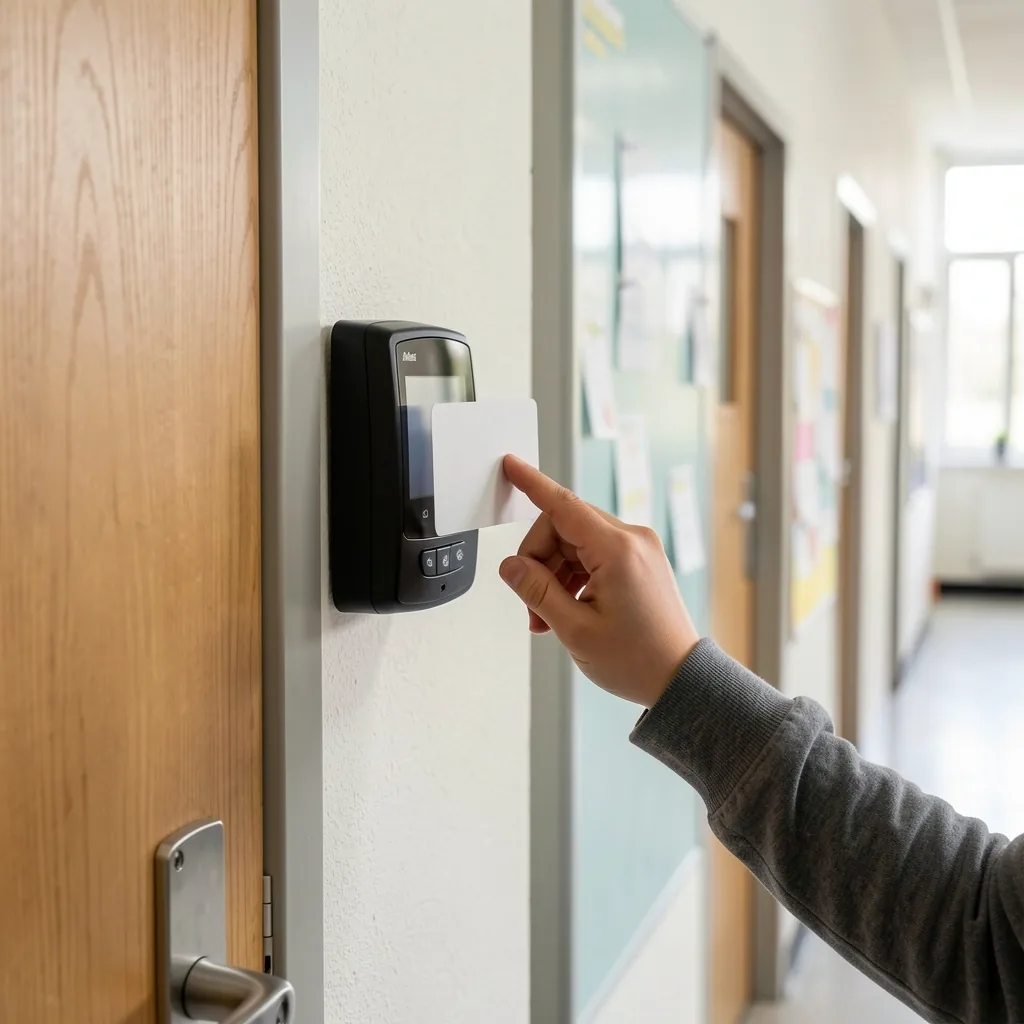
Automated presence collection saves teachers time at the start of every lesson and tightens records for school leadership. Students simply tap a card on arrival and the data is sent at once into the school information system through our API.
The process cuts administrative errors and lets the school react quickly to an unexpected absence — parents can be told at once. The teacher sees in real time who is physically present and can teach instead of calling names.
Issuing and managing identity media
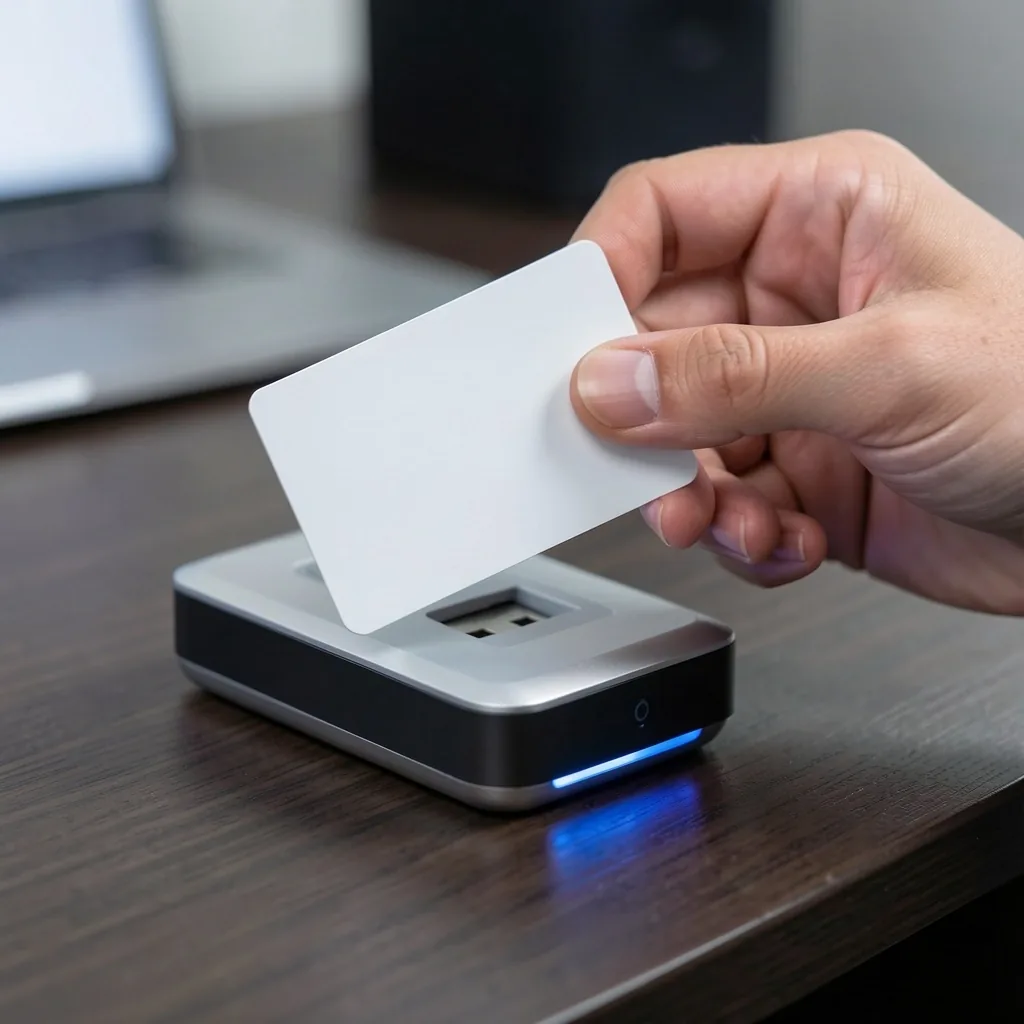
Issuing new cards, personalising them and blocking them if lost is kept simple in UnhostCampus. Administrators manage the card lifecycle in the web interface from first read through expiry at the end of studies.
When a loss is reported, the information propagates to every endpoint at once, so a lost card cannot be used for unauthorised entry. The same mechanism applies on leaving the school — the card deactivates automatically without physical return.
Contactless authorisation at school services
Besides doors, cards also authorise shared devices such as copiers, self-service machines or lockers. A tap confirms identity and the system allows the action based on current rights and account state.
Contactless use raises hygiene and speeds interaction with equipment that would otherwise need a manual login. Running a copier, a drinks machine or assigning a cloakroom locker is a single tap.
Copiers and printers
The user taps a card, the system checks rights and may deduct pages from the credit account. Without a card the device will not print.
Cloakroom lockers
Assigning a locker to a student is one card read. Unlocking is possible only with the associated pass.
Tracking asset movement with cards
ID cards also work well when lending school equipment — tablets, sports kit or library books. A staff member reads the student card and the asset barcode, which creates a firm database link for the loan period.
That raises student responsibility for entrusted items and cuts lost or unreturned equipment at year end. Due dates and return reminders can be tied to automatic notices through the school information system.
Read about asset records
Scaling to mobile identity
The longer view is replacing physical cards with NFC phones — and our API architecture is ready. Schools can move gradually to virtual badges that students already carry, with stronger security from biometric unlock on the phone.
UnhostCampus is therefore a durable investment that can follow changing technology and what younger users expect. Physical cards and mobile badges can run in parallel — the school moves gradually, without swapping all infrastructure at once.
Physical chip cards for every student and staff member.
Physical cards and virtual NFC badges running together.
Fully mobile identity with biometric verification of the holder.
Prepare integration around your infrastructure
Card technical specification
Endpoint structure for registering, blocking and verifying badges.
Open documentationDiscuss security
Walk through access-right and time-zone scenarios for your campus.
Book a meetingCompare price options
API-call scope and supported modules in each tariff.
View pricing